








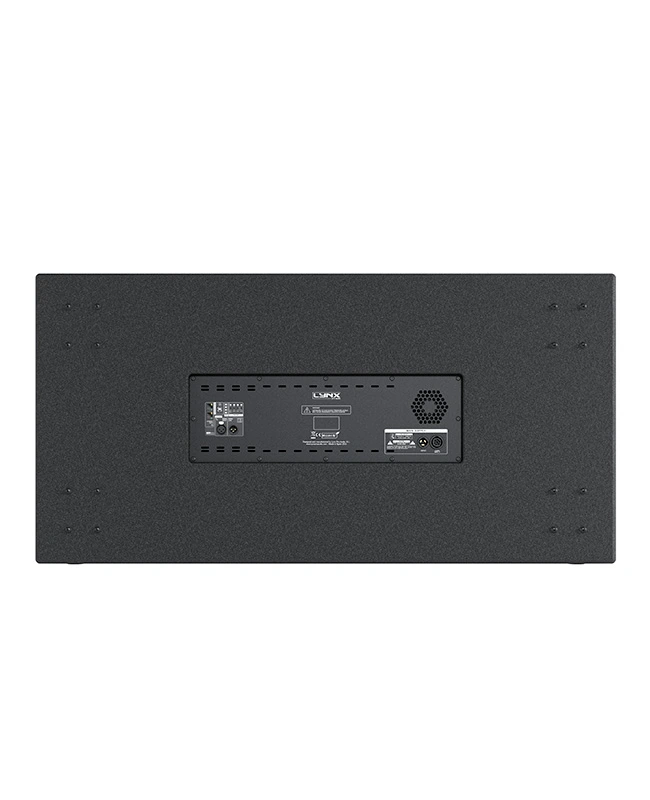

LAIA- 218S

New compact subwoofer

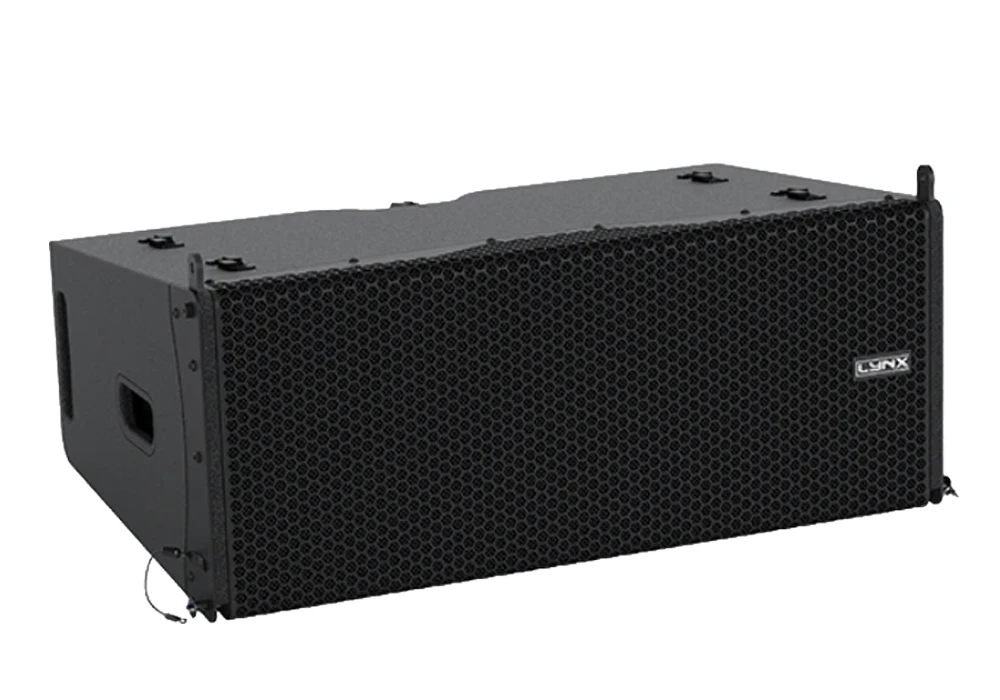
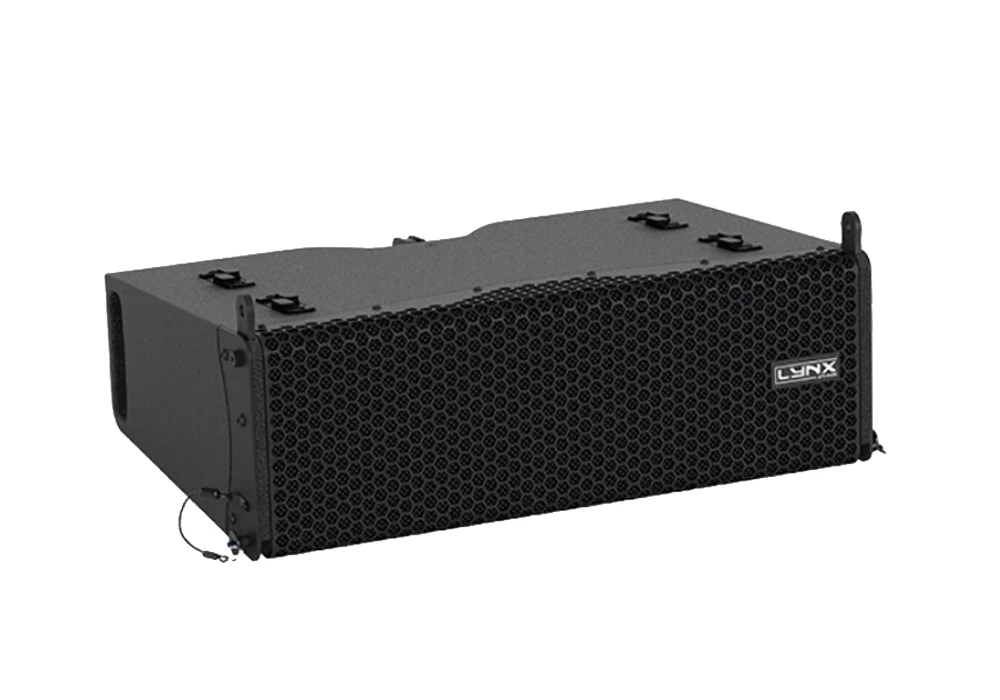
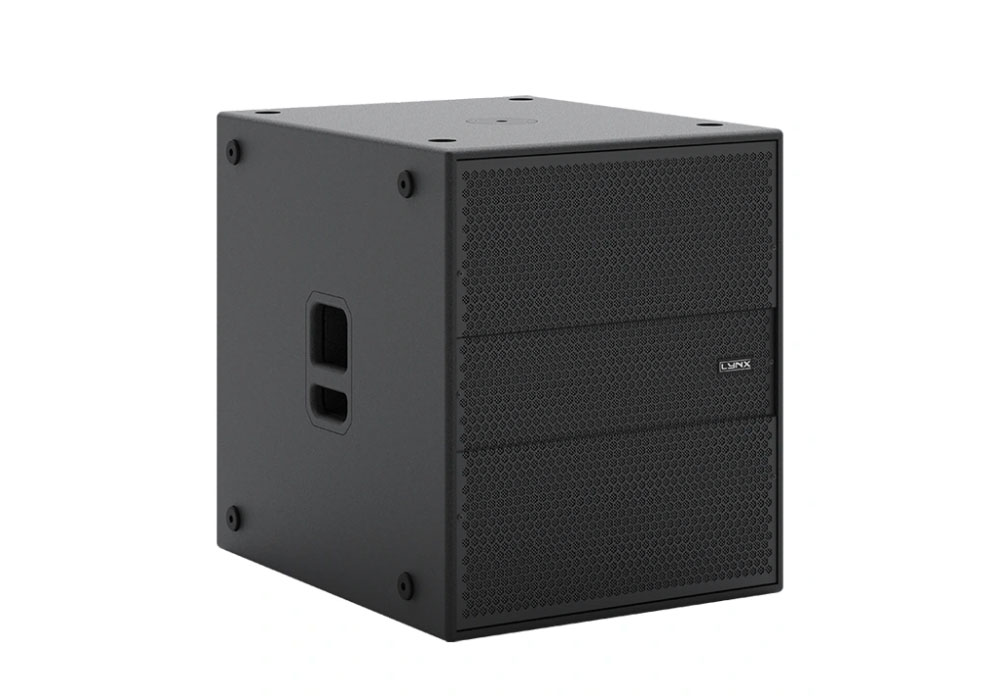
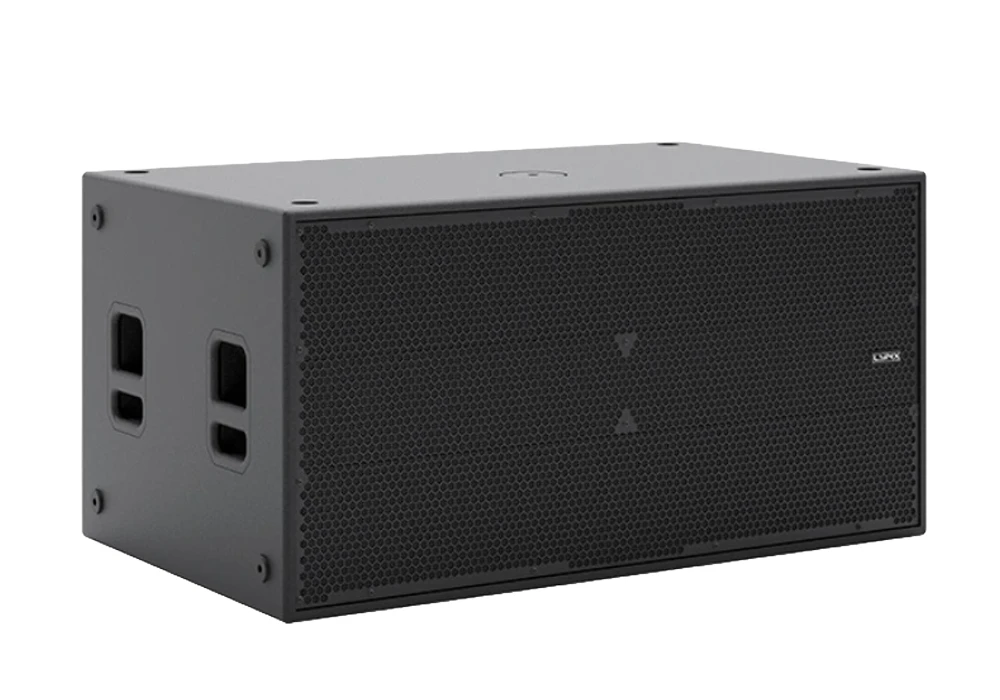
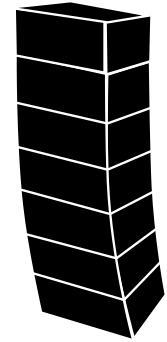
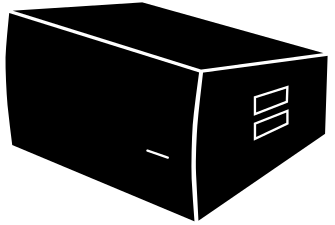
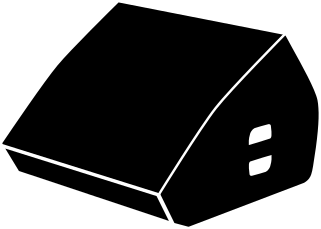
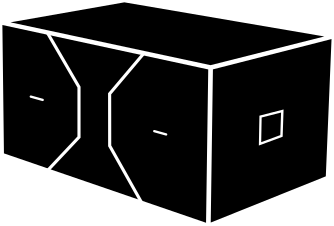
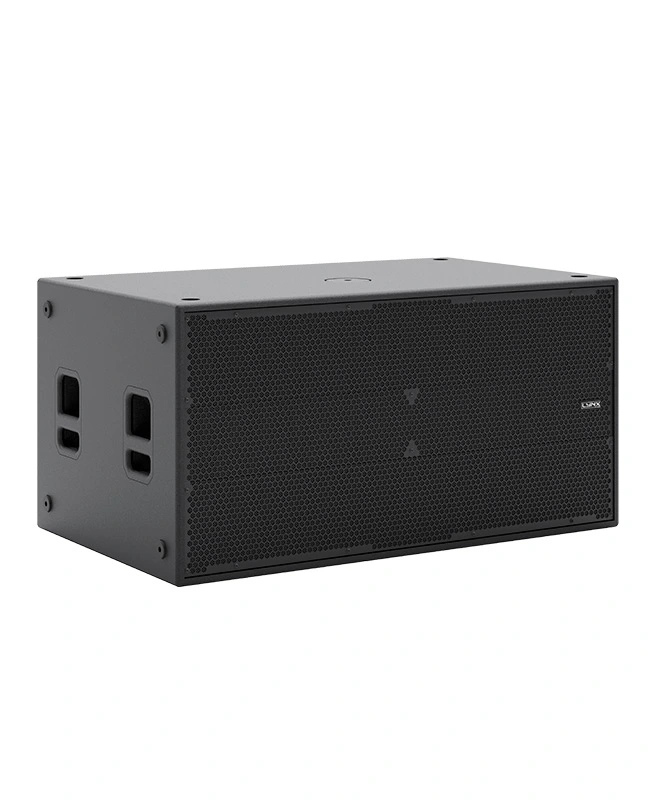
LAIA-218S is a self-powered subwoofer enclosure in class D and equipped with 2 x 18 “speakers (4” coil). It features a 4000 W amplifier controlled by DSP, offering 136 dB SPL peak.

Description

The LAIA-218S is a high-performance, self-powered subwoofer from Lynx Pro Audio, featuring speakers with 4” voice coils and a powerful Class D amplifier with PFC for optimal efficiency. It delivers an impressive maximum SPL of and a frequency response of . This system incorporates a powerful, next-generation double-precision DSP designed by Lynx Pro Audio, which, along with converters, results in superior sound quality.

The robust enclosure is made from Premium birch plywood and finished with a durable Polyurea coating for long life and weather protection. Control is available through a user interface with a IPS screen, and the system can be remotely monitored and controlled via the OCS control platform using the dual Ethernet port.

N

Perfectly suited for:

→  Clubs
→  Houses of worship
→  Fixed installations
→  Touring
→ Theatres
→ Live PA

Key features

4000W Class D Powered

Integrated Digital Processing

Internal temperature control

Electronic protection

Online monitoring available

Technical Data


Components
LF: 2 x 18”, 4” voice coil
Frequency Range

30 Hz – 120 Hz (-10 dB)

Frequency response

35 Hz – 100 Hz (± 3dB)

Max SPL

136 dB / 142 dB Peak

Coverage

Omnidirectional

Power

4000 W Class D with switching power supply & PFC, 2 x 2000 W

DSP Processing

96 KHz / 64 bit double-precision

Control

User control interface with 2.8” IPS screen and multifunction joystick controller

Control connections

USB (DSP programming) / Dual Ethernet port

Input

Analog BAL/UNBAL XLR, Digital AES/EBU (Optional)

AC power

90 – 264V. 50/60 Hz with PFC

AC connections

16A Neutrik powerCon true1 TOP with looping output

Finish

Polyurea coating, high grade resistant paint

Material

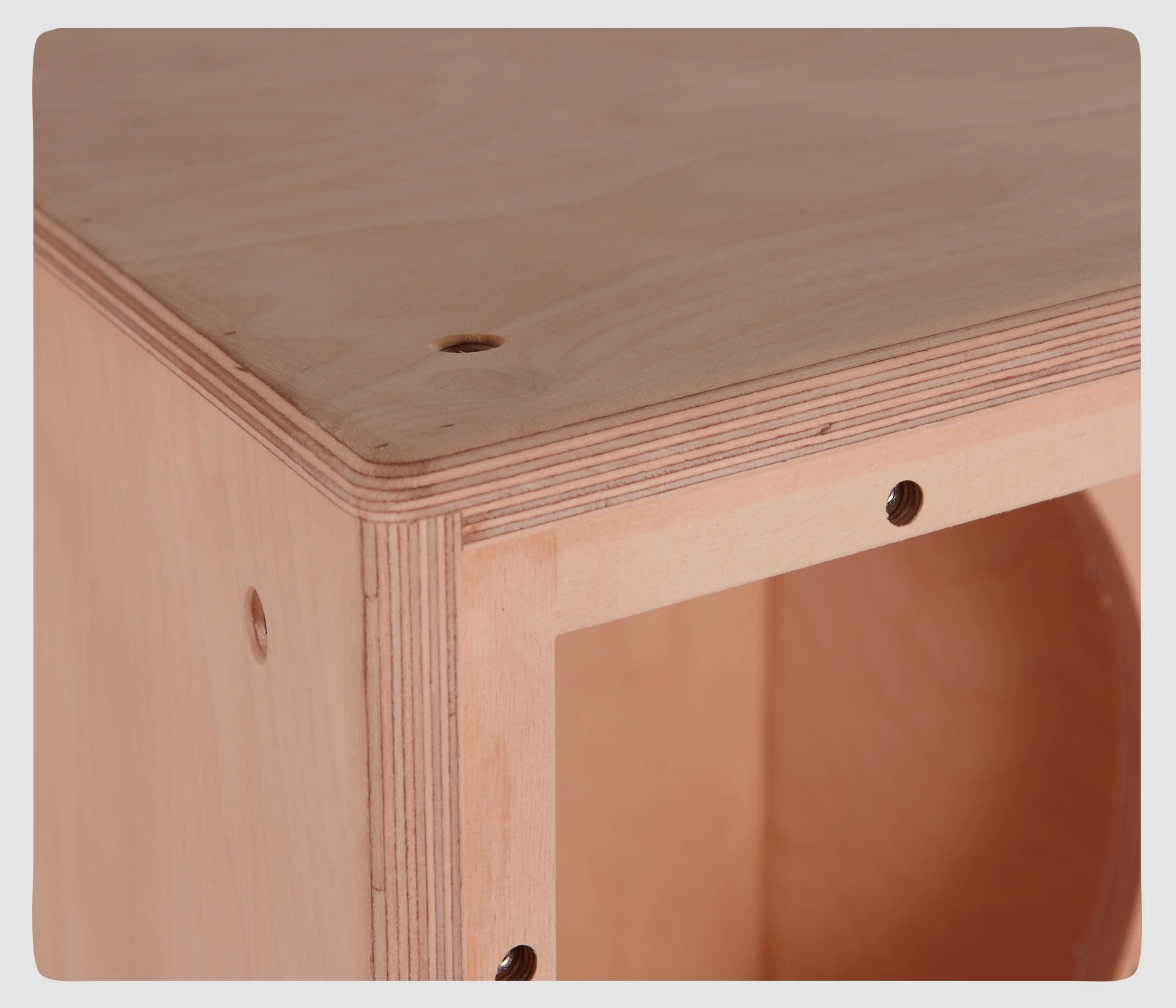
18 mm Premium birch plywood

Dimensions
600 x 1200 x 725 mm (H x W x D)
Weight 98 Kg
Dimensiones-LAIA218S

 DSP configuration

DSP module configuration panel

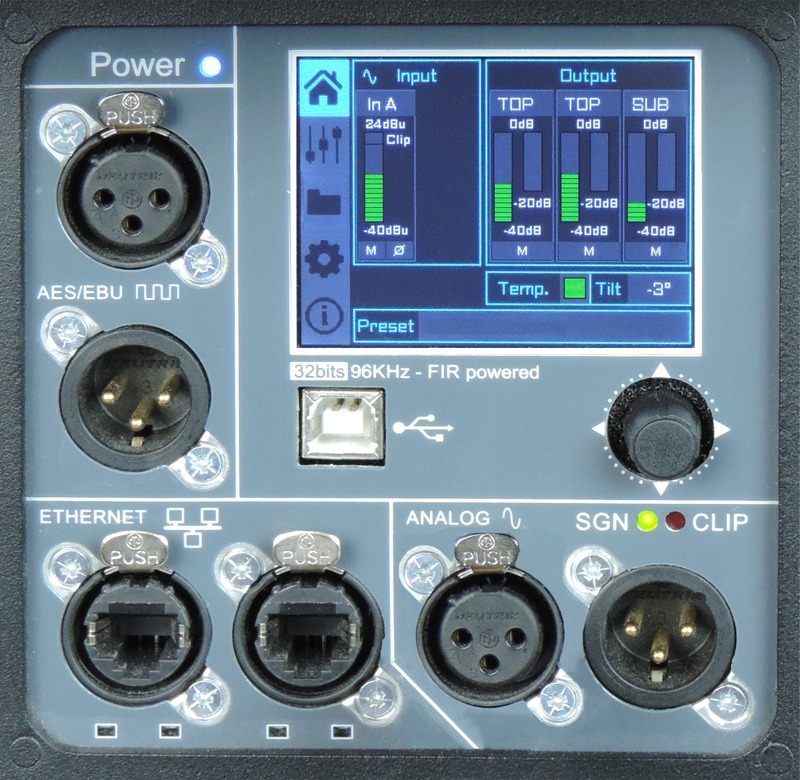
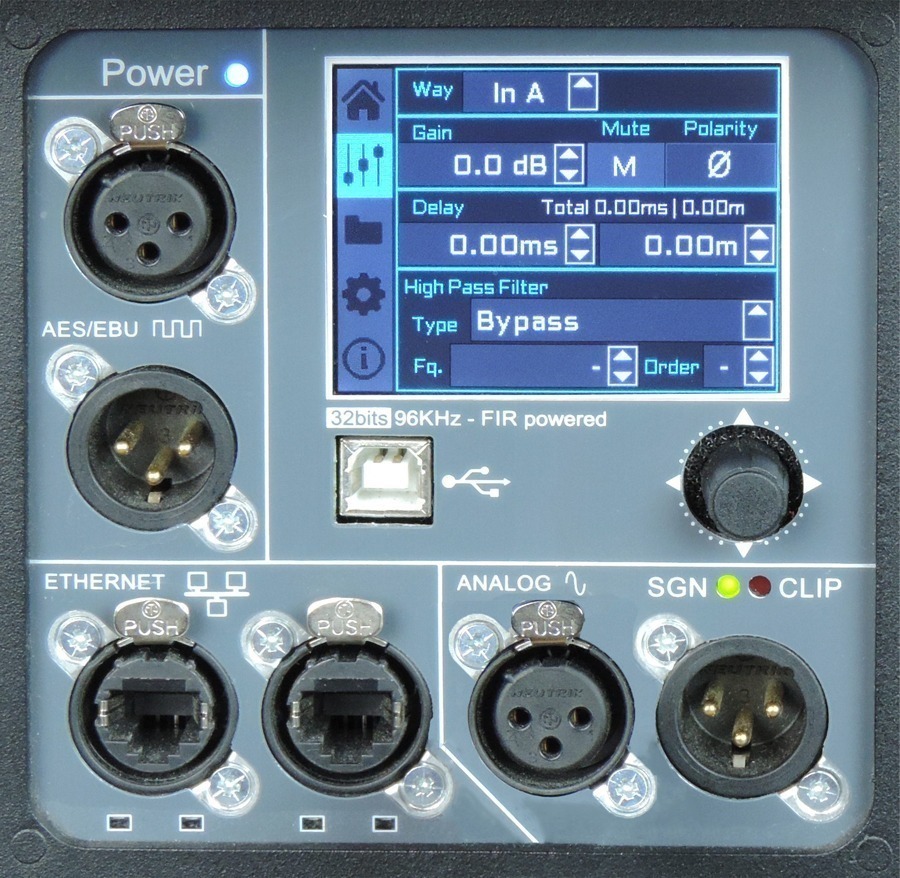
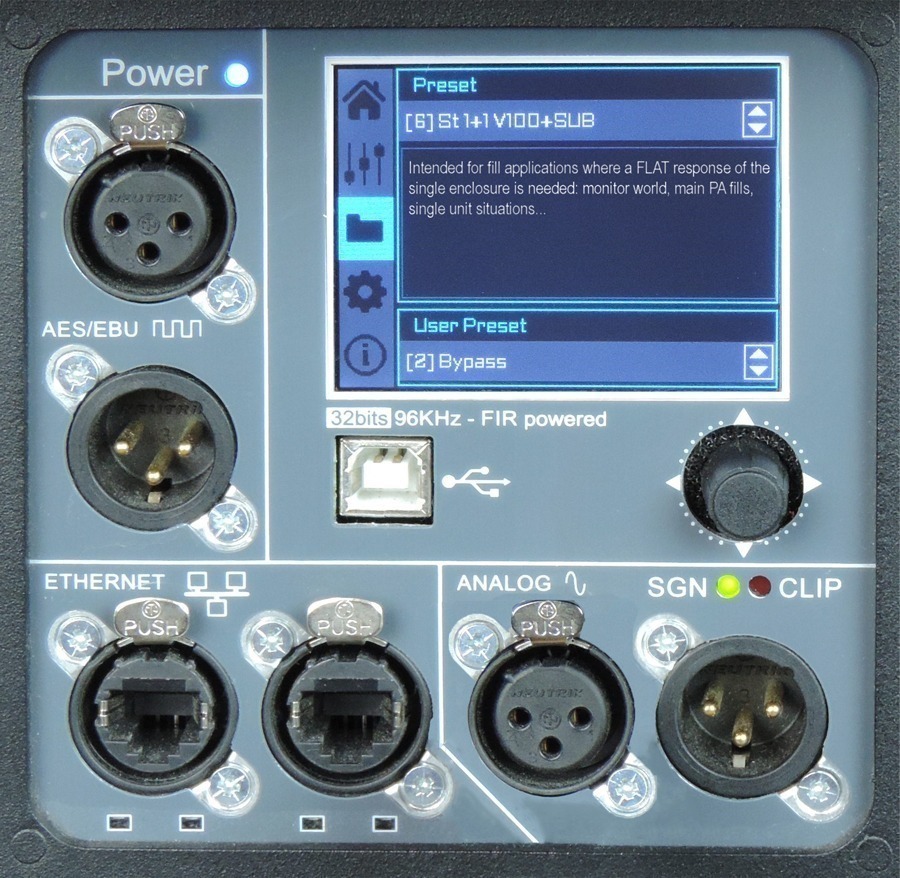
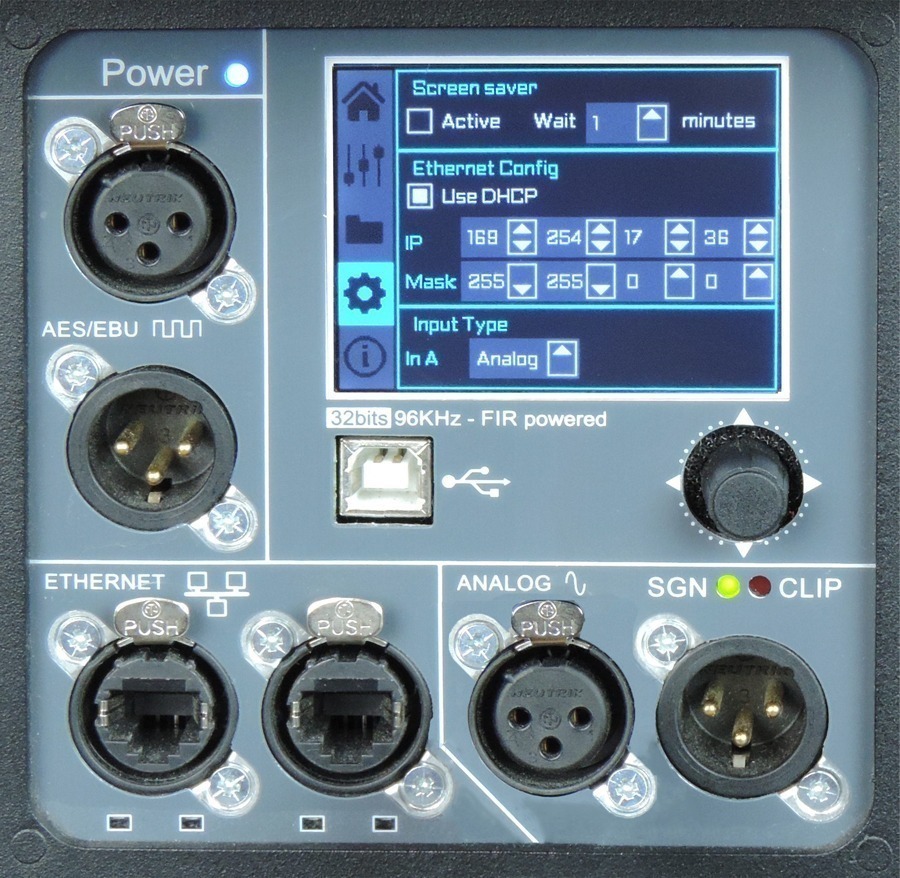
On the back pannel of the cabinet you will find the digital control area. From the compact joystick located below the screen you are able to configure the basic adjustment functions of the internal DSP.

Just move the joystick to select the icons on the left of the screen. You can enter into the following functions: Home, settings, folder, configuration and information. Please note that you must apply the desired configuration in each one cabinet and requires electrical power to work.

If changes are not made the display will automatically dim to avoid unnecessary light in situations where light is not wanted. To re-activate the light simply press the joystick.

The following screens are an example and may vary slightly for each cabinet.

Configuration panel:

HOME

On the main screen you can see the cabinet’s input and output:

Input: You can see a vumeter with the input level and a clip signal.

Output: You have a vumeter with the output level (0 dBu is the amp’s maximum level) You can check the compressor and control the dynamic activity.

SETTINGS

This panel allows you to change the gain, polarity, mute and the delay for the inputs.

You also have the possibility of putting a high pass, changing the type of filter, frequency and order.

FOLDER

The folder screen shows you the name of the preset and its description.

Using the joystick you can change the preset.

CONFIGURATION

This screen is to configurate Ethernet. You can choose automatic or manual.

You can also configure the screen saver.

And here you have the input selection. You can choose between analog or AES3 for channel 1 or channel 2.

INFORMATION

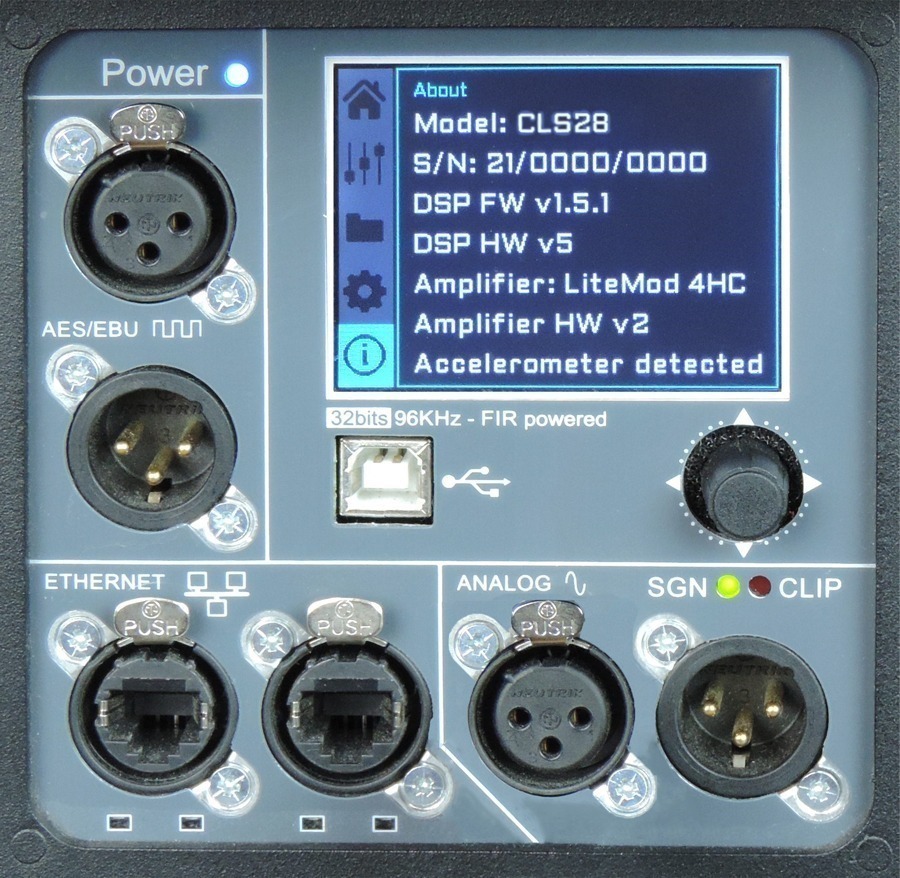
The last screen shows you some general information regarding the cabinet’s components.

Here you can see the cabinet model, its serial number, DSP firmware and hardware versions, amp module model with hardware version, as well as the accelerometer status.


Watch the following TUTORIAL to understand how it works:

DSP module configuration panel

On the back panel of the cabinet you will find the digital control area. From the compact joystick located below the screen you are able to configure the Basic adjustment functions of the internal DSP.

Just move the joystick to select the icons on the left of the screen. You can enter into the following functions: Home, settings, folder, configuration and information. Please note that you must apply the desired configuration in each one cabinet and requires electrical power to work.

If changes are not made the display will automatically dim to avoid unnecessary light in situations where light is not wanted. To re-activate the light simply press the joystick.

The following screens are an example and may vary slightly for each cabinet.

HOME

On the main screen you can see the cabinet’s input and output.

Input: You can see a vumeter with the input level and a clip signal.

Output: You have a vumeter with the output level (0 dBu is the amp’s maximum level) You can check the compressor and control the dynamic activity.

SETTINGS

This panel allows you to change the gain, polarity, mute and the delay for the inputs.

You also have the possibility of putting a high pass, changing the type of filter, frequency and order.

FOLDER:

The folder screen shows you the name of the preset and its description.

Using the joystick you can change the preset.

CONFIGURATION:

This screen is to configurate Ethernet. You can choose automatic or manual. You can also configure the screen saver.

And here you have the input selection. You can choose between analog or AES3 for channel 1 or channel 2.

INFORMATION:

The last screen shows you some general information regarding the cabinet’s components.

Here you can see the cabinet model, its serial number, DSP firmware and hardware versions, amp module model with hardware version, as well as the accelerometer status.

Watch the following TUTORIAL to understand how it works:

More features

Hardware for LAIA- 218S
Enclousure-v12
Enclosure

The LAIA-218S cabinet is constructed from 11-ply premium birch plywood (18mm) and finished with polyurea coating.

Internal design

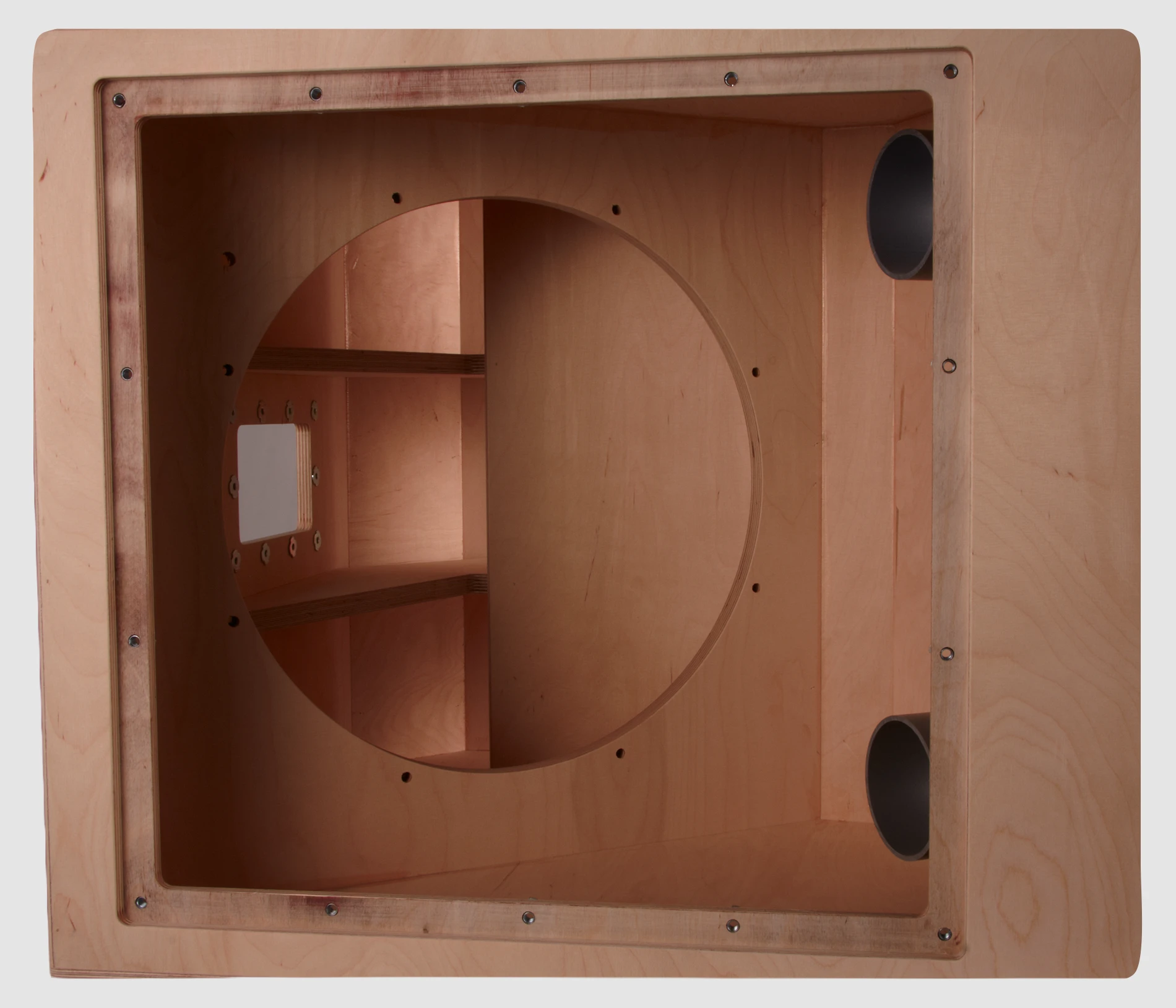
The internal structure of the LAIA- 218S is heavily braced for greater longevity and all parts are assembled on metal inserts with metric screws.

Grill

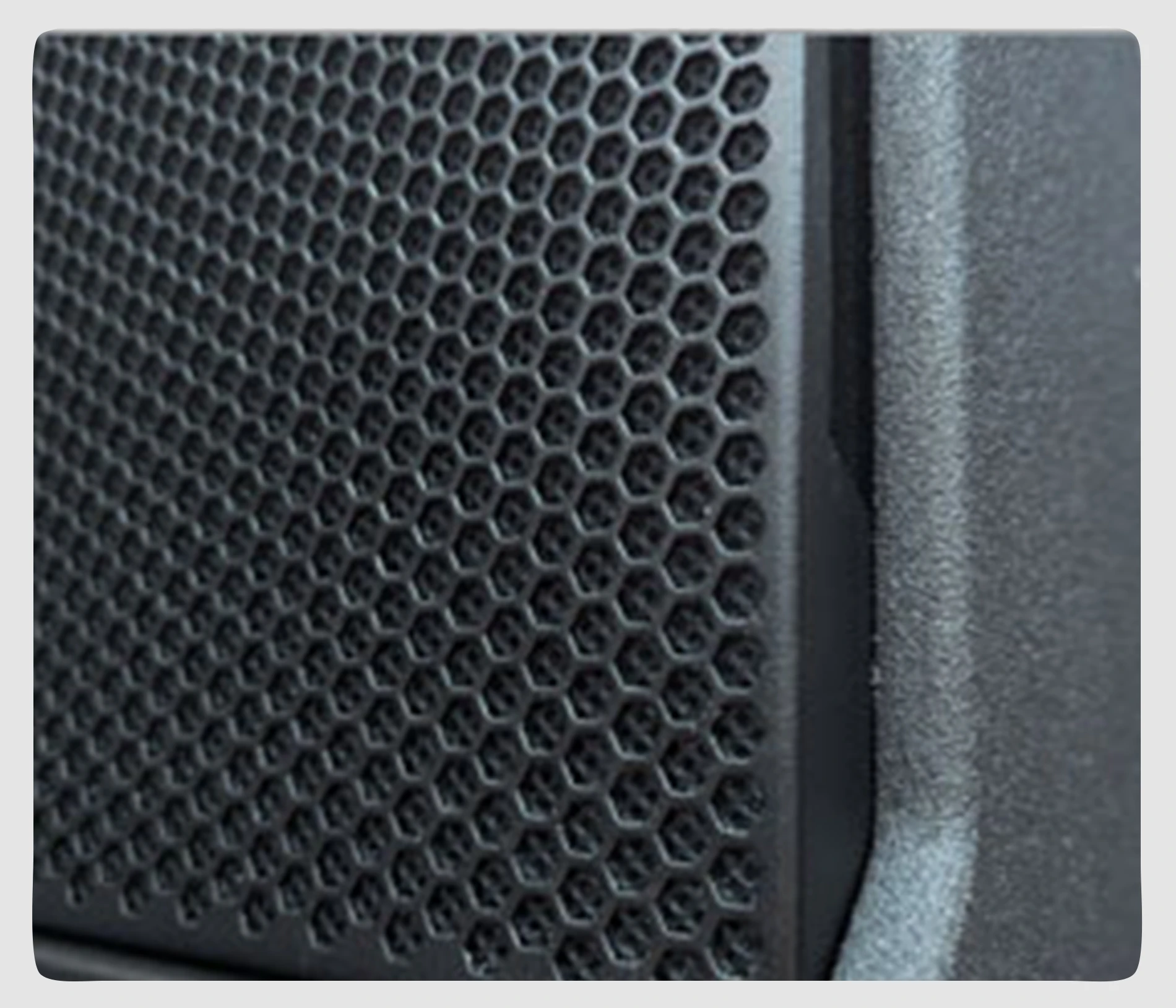
The LAIA-218S has two heavy duty, powder coated front grille with a special acoustic rear fabric to protect the transducers against dust and dirt.

Transport

The LAIA-218S is easy to transport thanks to its dedicated flight case where it can be stowed in rest position.

Backpanel detail

Click to expand.

LAIA-218S trasera

Accessories for LAIA-218S
Ensamblaje carro LAIA-28

SV-LAIA28

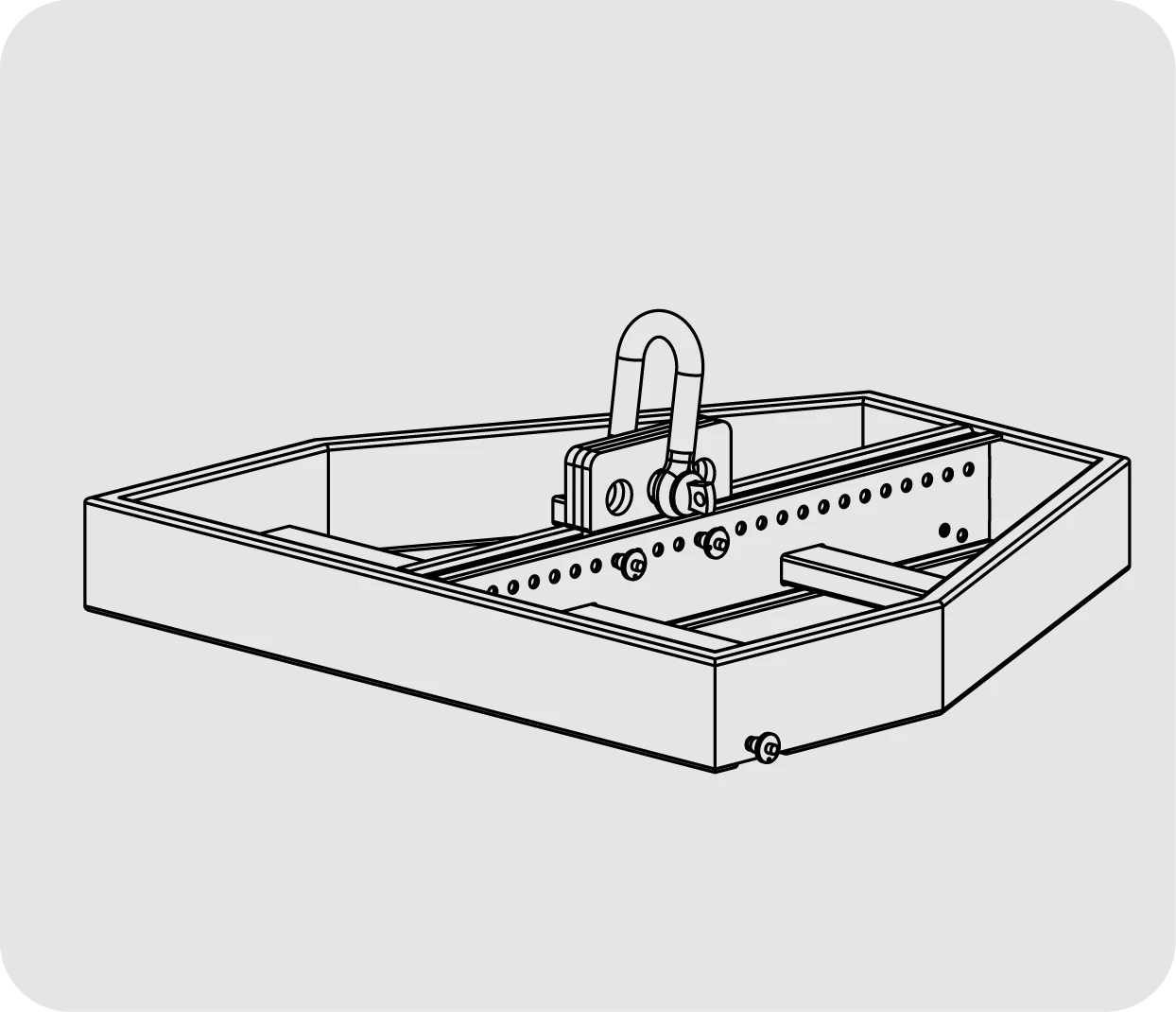
Flying frame for 16 LAIA-28 or 10 LAIA-218S. Max. 1000 Kg. For fly or stack.

ST-SVCLS/M20

Kit to connect SV-CLS28 flying frame and M20 plate. Join 218S with bumper.

Accesorios LAIA 218S

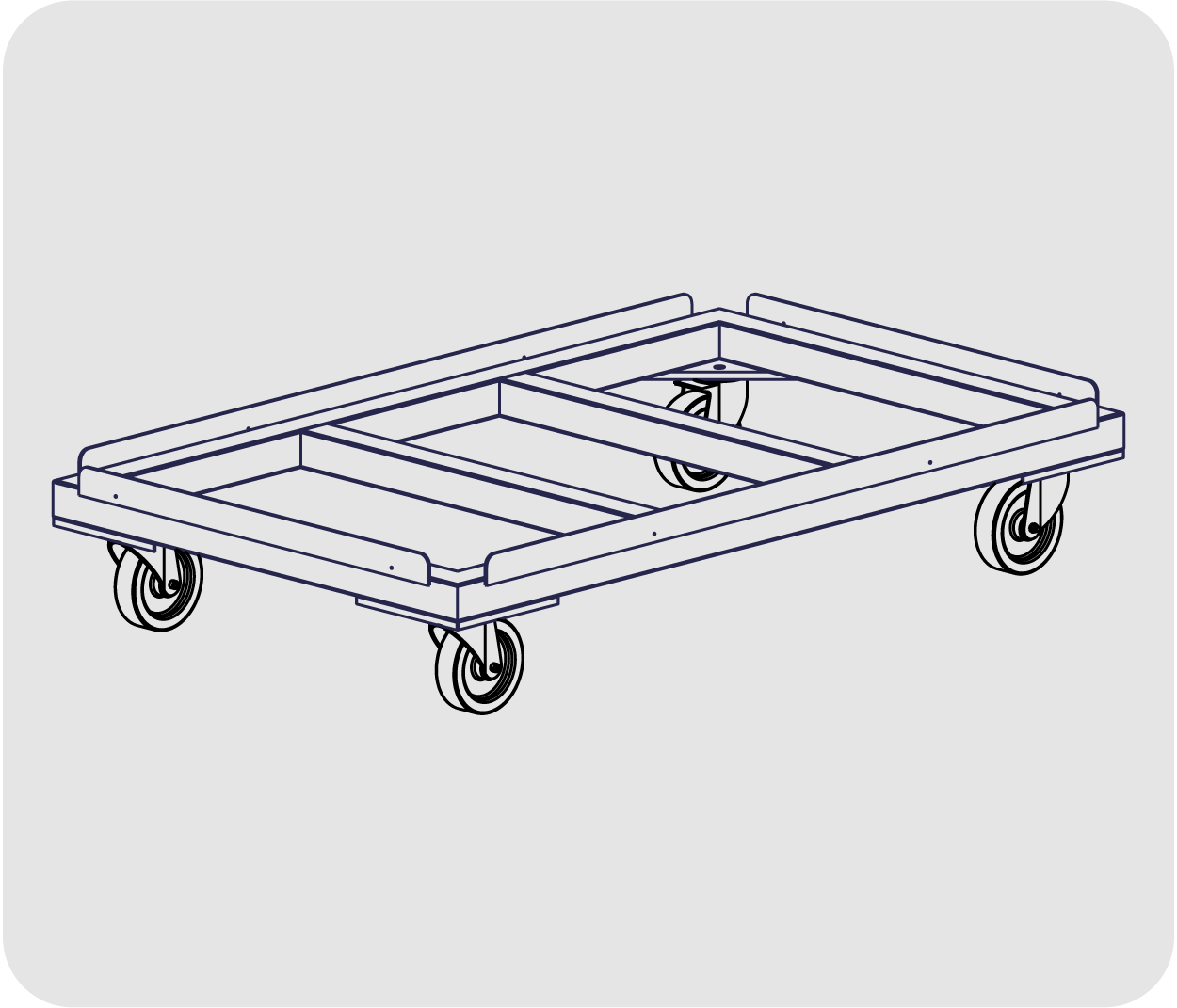
CA-LAIA218S

Transport dolly for up to 3 x LAIA-218S

FD-Nylon

FD-LAIA218S

Nylon Cover for 1 x LAIA-218S

FD-2LAIA218S

Nylon Cover for 2 x LAIA-218S

FD-3LAIA218S

Nylon Cover for 3 x LAIA-218S

Rain-Cover to protect the sound system

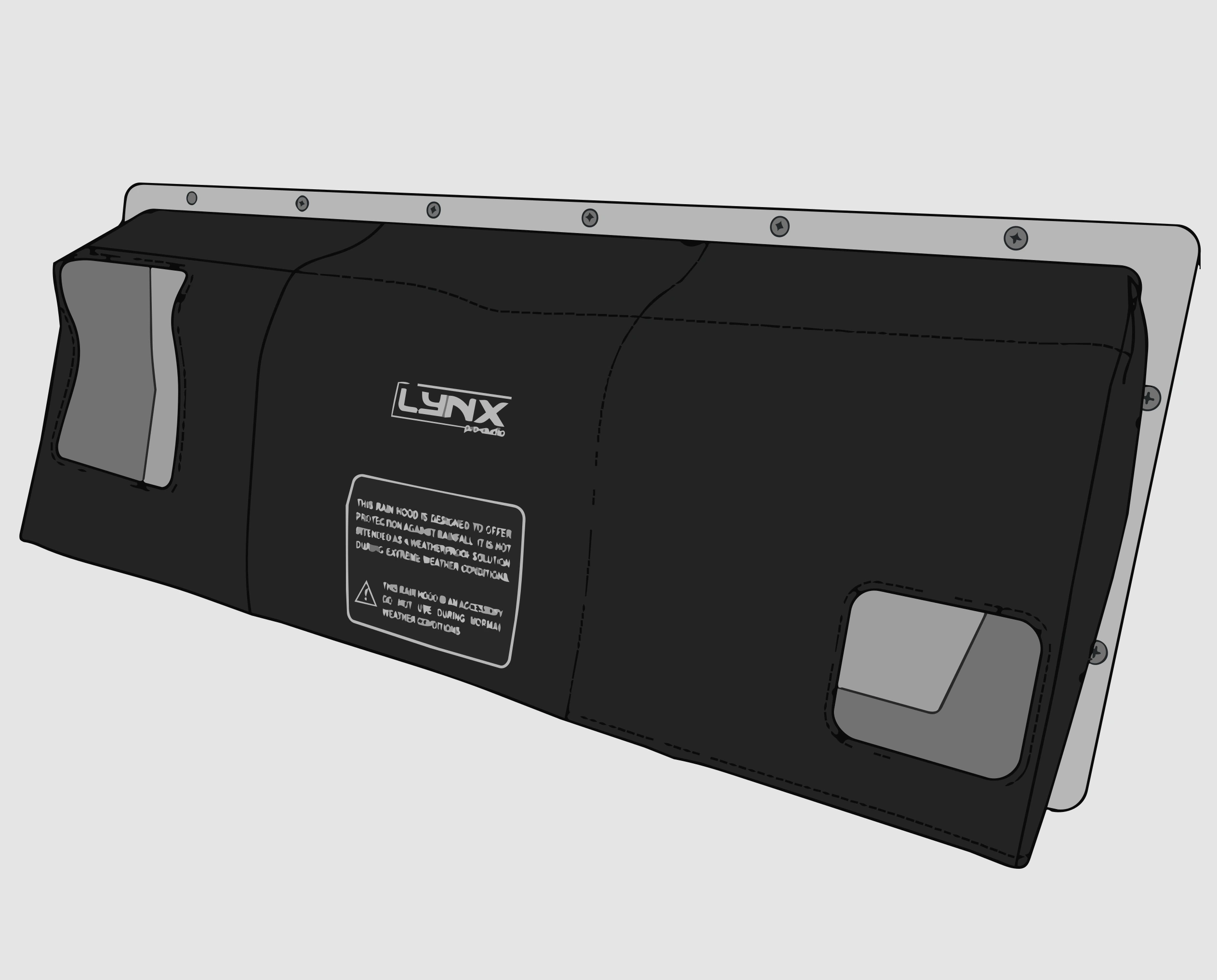
FD-LAIA218SNL

Rain cover for LAIA-218S

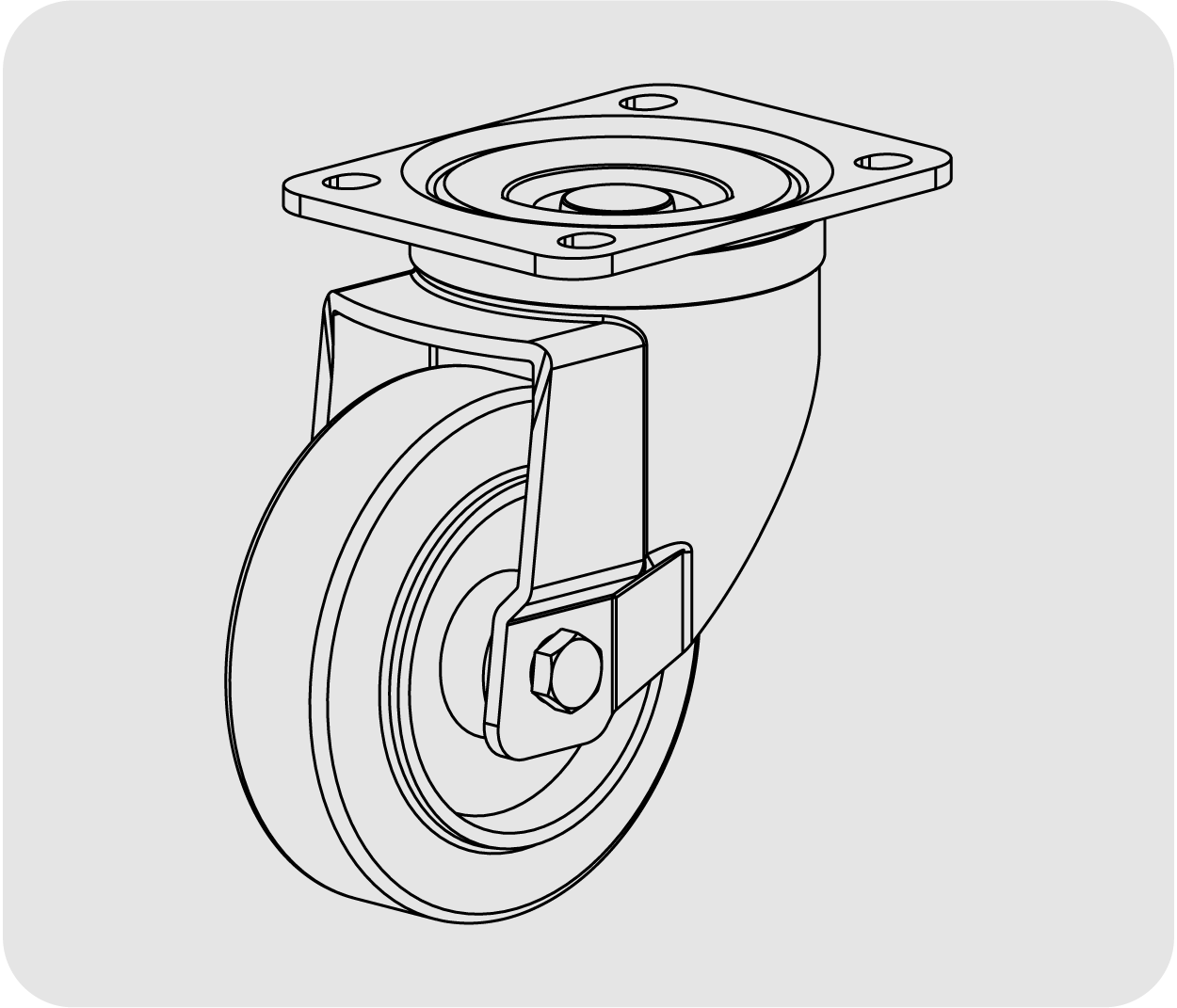
Four castors and bases for transportation of the Lynx Pro Audio Systems

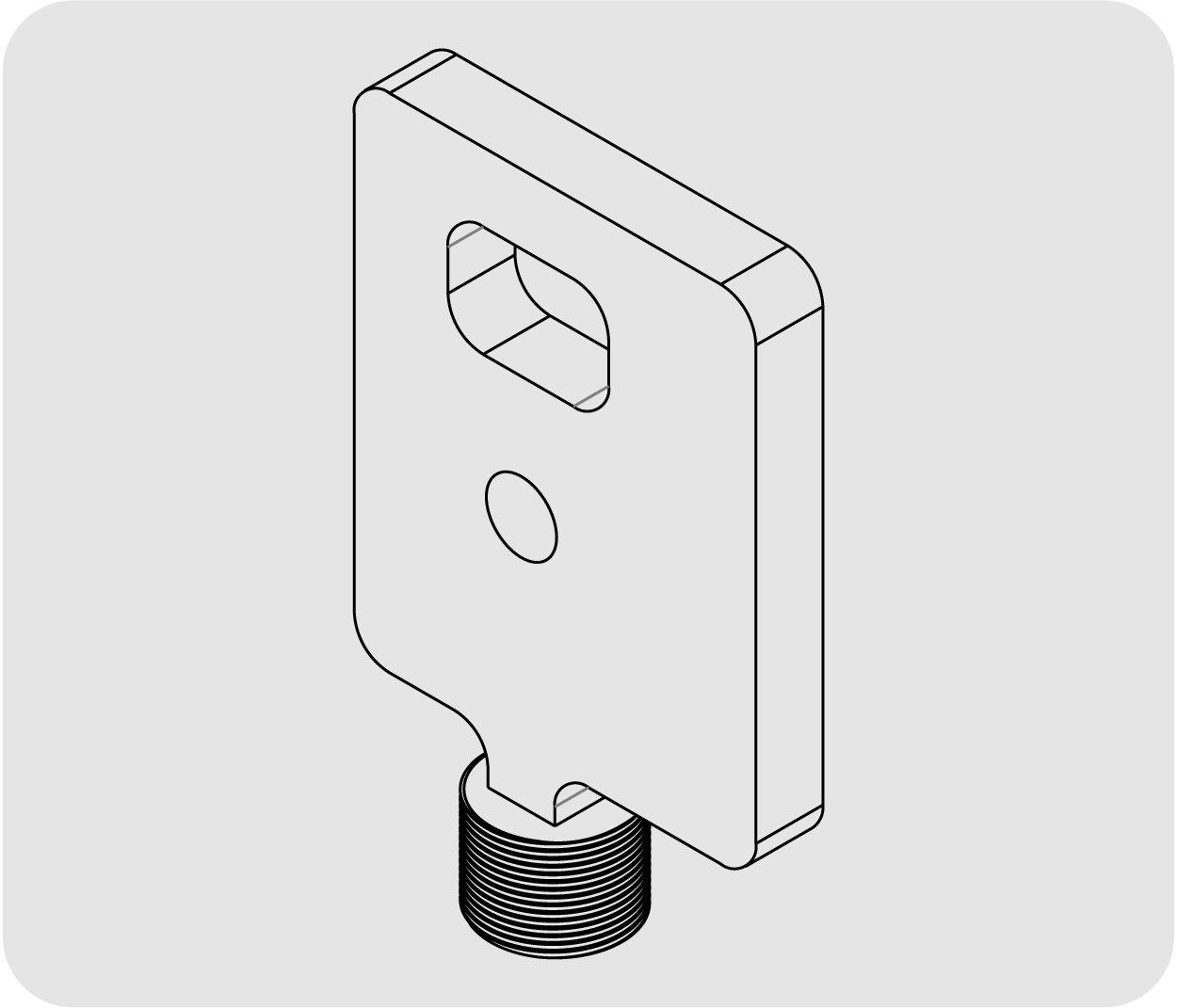
GR-18WKIT

Four castors and bases for transportation of the LAIA-218S

Other products from this series

LAIA-210 mini Serie LAIA

2 x 10″ transducers with 1 x 1.4″, 2000W, 138 dB SPL

Tamaño mini LAIA28

2 x 8“ transducers with 1 x 1.4” driver, 1200W, 130 dB SPL

LAIA-26 mini Serie LAIA2 x 16″, transducers with driver 1″, 1200W, 130 dB SPL

LAIA-12 mini Serie LAIA

1 x 12” transducer with a 1” driver, 132 dB SPL

LAIA-18S mini Serie LAIA

18”, transducers, self-powered subwoofer,1200W Class D, 138 dB SPL

Descarga nuestra Guía para expertos:
Cómo posicionar tus subgraves para conseguir los mejores resultados

Descarga nuestra Guía para expertos:

Cómo posicionar tus subgraves para conseguir los mejores resultados

Con esta sencilla Guía gratuita aprenderás lo siguiente:

✓ Cómo evitar lóbulos de presión y efectos pasillo con cancelaciones no deseadas

✓ Ventajas de las configuraciones en línea y el arco electrónico

✓ Detalles técnicos y fórmulas que te ayudarán a elegir la mejor opción en cada evento

Ya puedes descargar la guía

Lynx Pro Audio logo
Privacy Policy

This website uses cookies so that we can offer you the best user experience possible. Cookie information is stored in your browser and performs functions such as recognizing you when you return to our website or helping our team understand which sections of the website you find most interesting and useful.

Read more about our Privacy Policy.